HOW TO LOAD ONLINE If you have internet access at home or in the office, you can send/sell load with or without logging in to our company website LoadXtreme.ph. Easy Steps: 1. Go to loadxtreme.ph 2. Click "ONLINE LOADING" then, a small form will pop-up. 2. Enter your Retailer/Dealer ID No. and PIK 3. Select the PRODUCT you wish to send by clicking the drop-down menu. 4. Type in your "CUSTOMER'S CELLPHONE NUMBER" 5. Type in your EMAIL ADDRESS (optional) if you want to confirm that the load was successfully sent. That's it! As easy as 1-2-3. 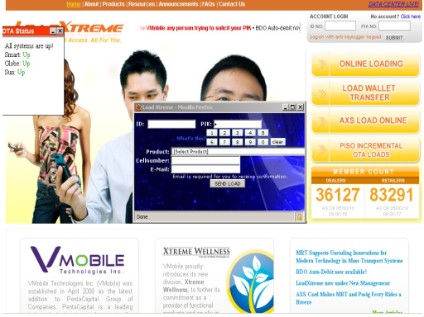 |
MyELoadBiz |

Make a Free Website with Yola.
